Get a free quote

Multi Clipping Path Service

Separate paths for every part of a product, so colors, materials and details can be edited one at a time.

From $0.49 per image
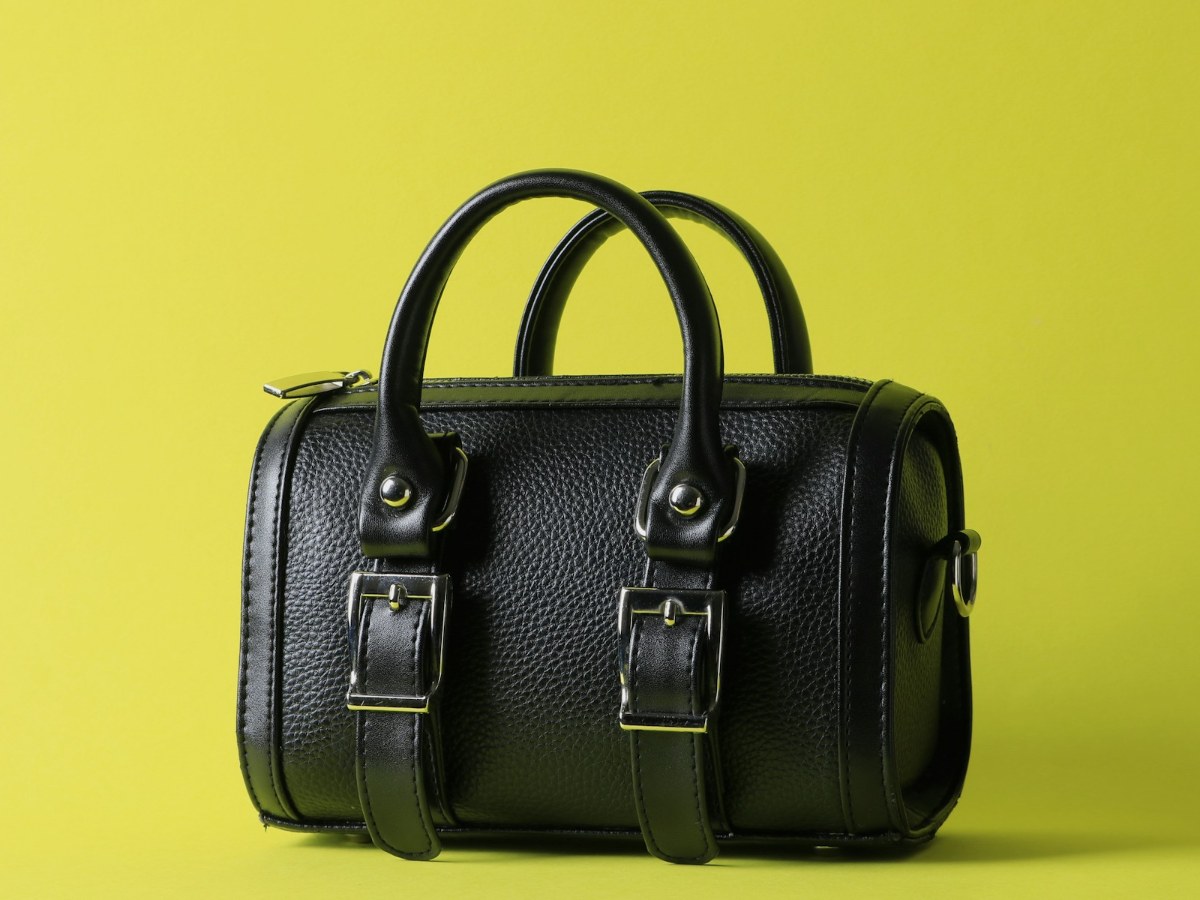
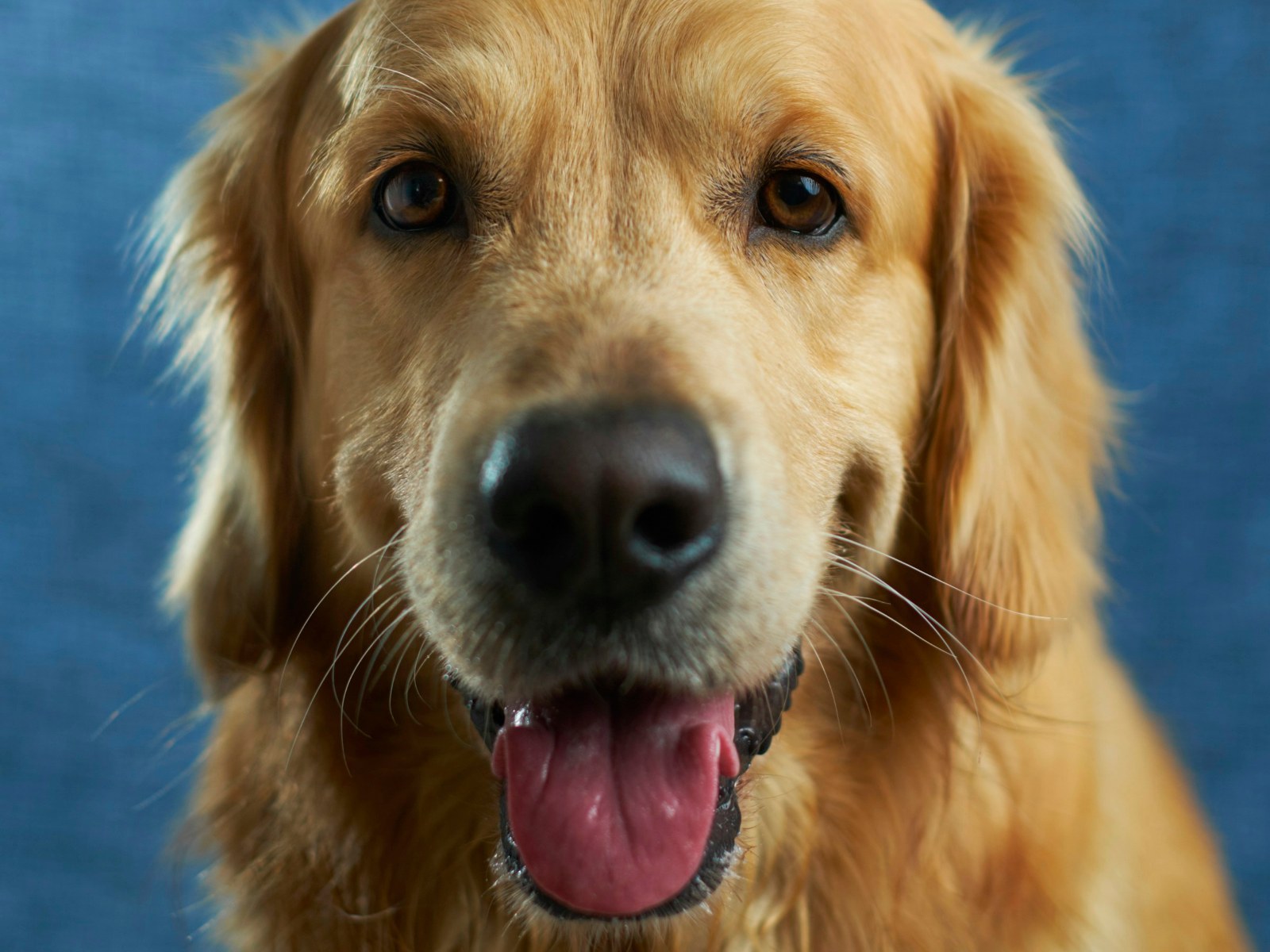
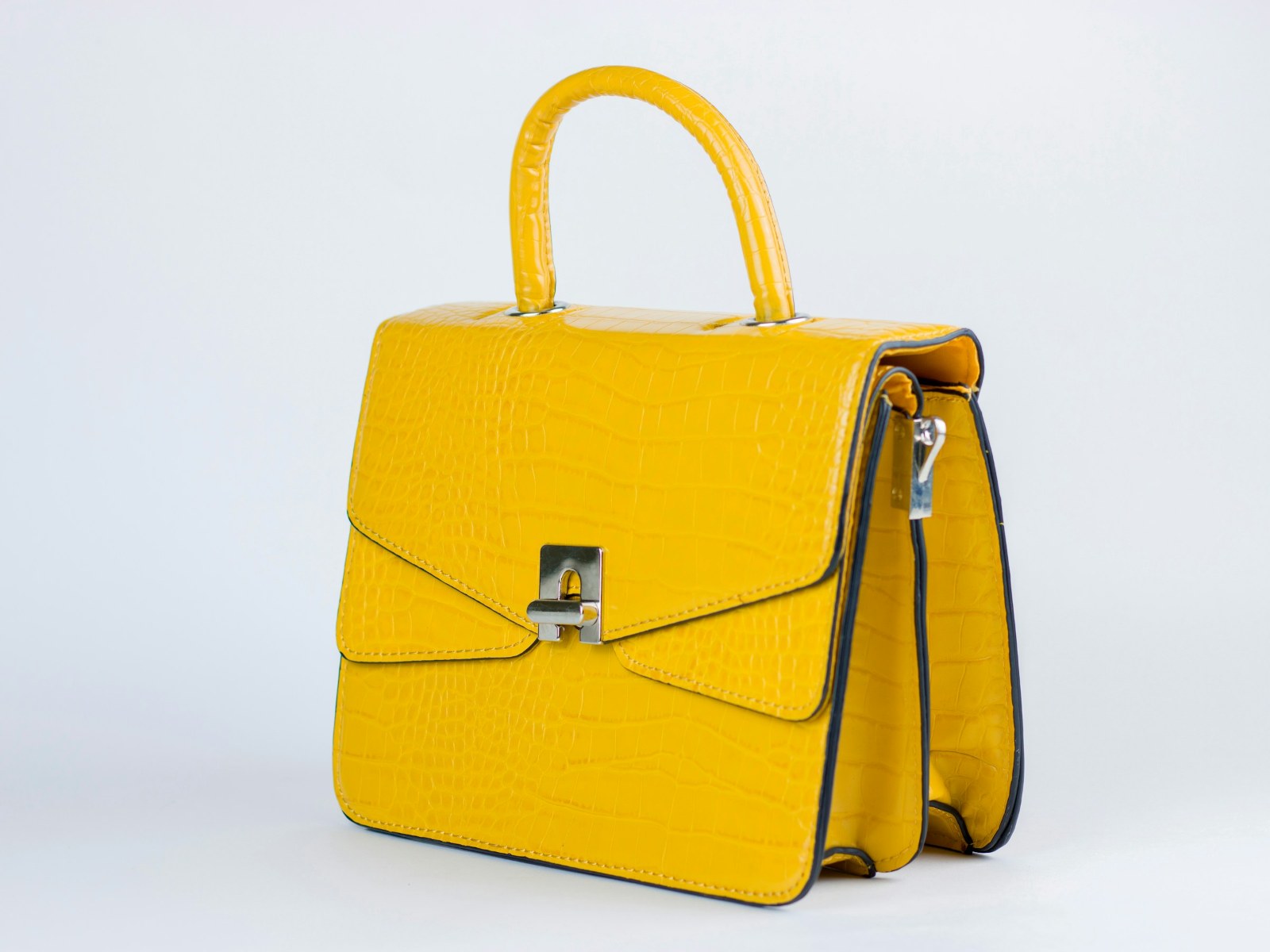
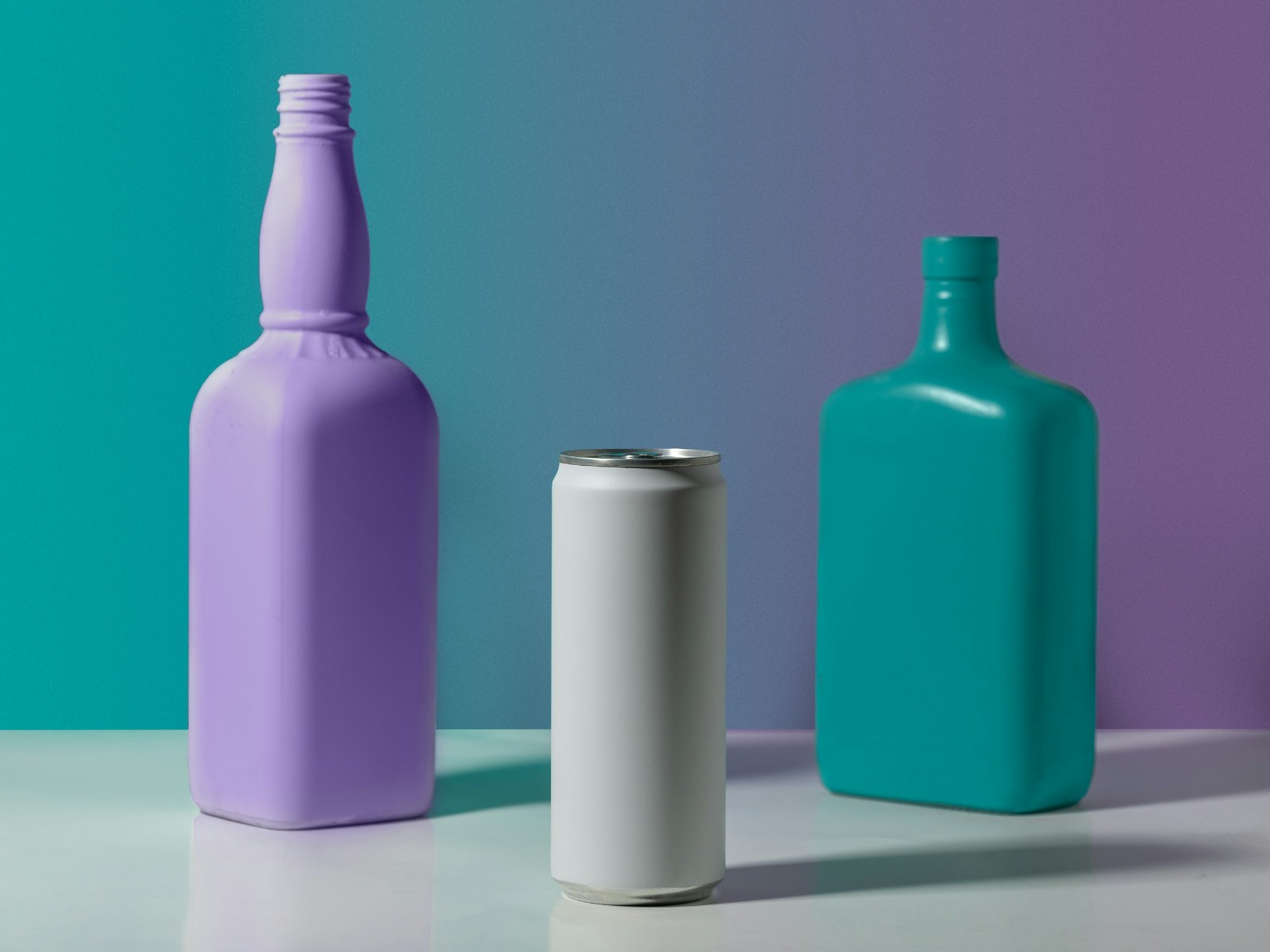
After editing
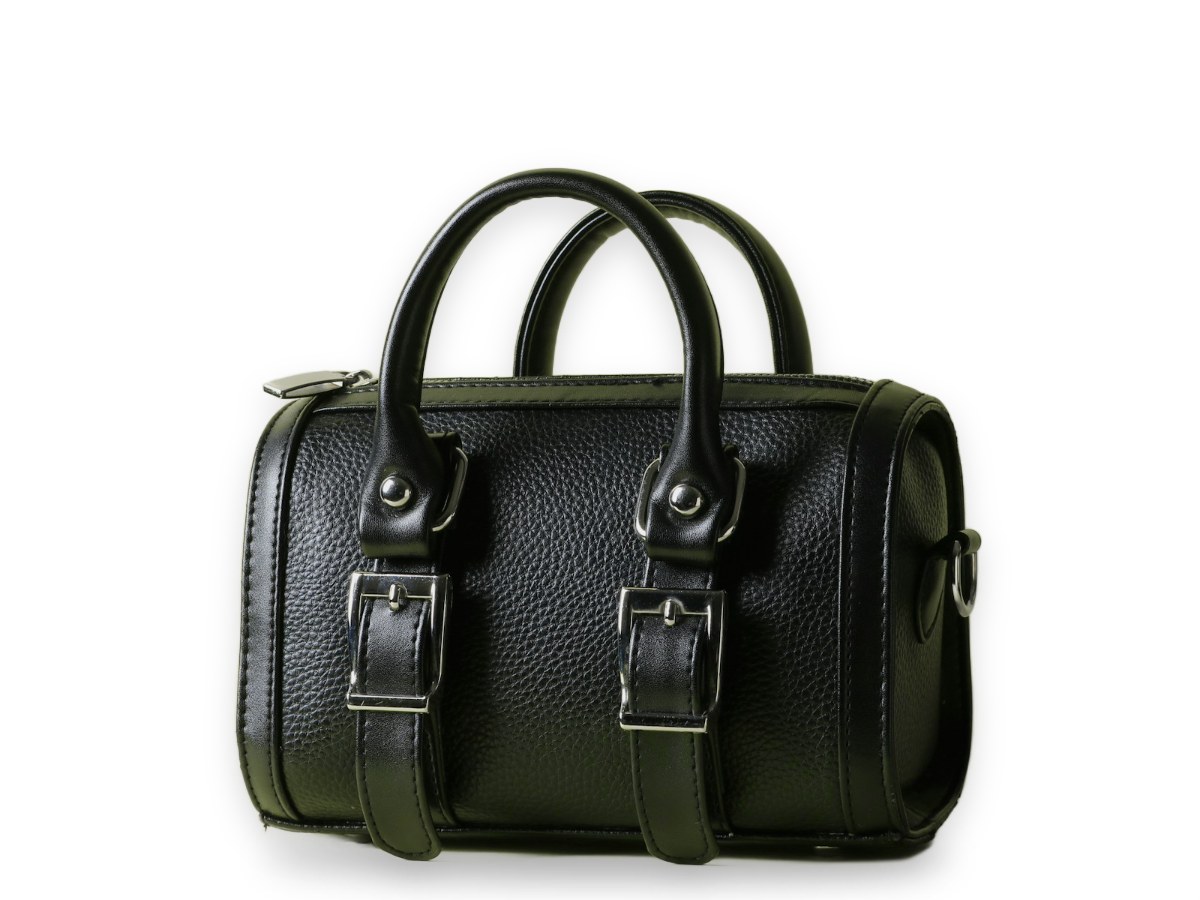
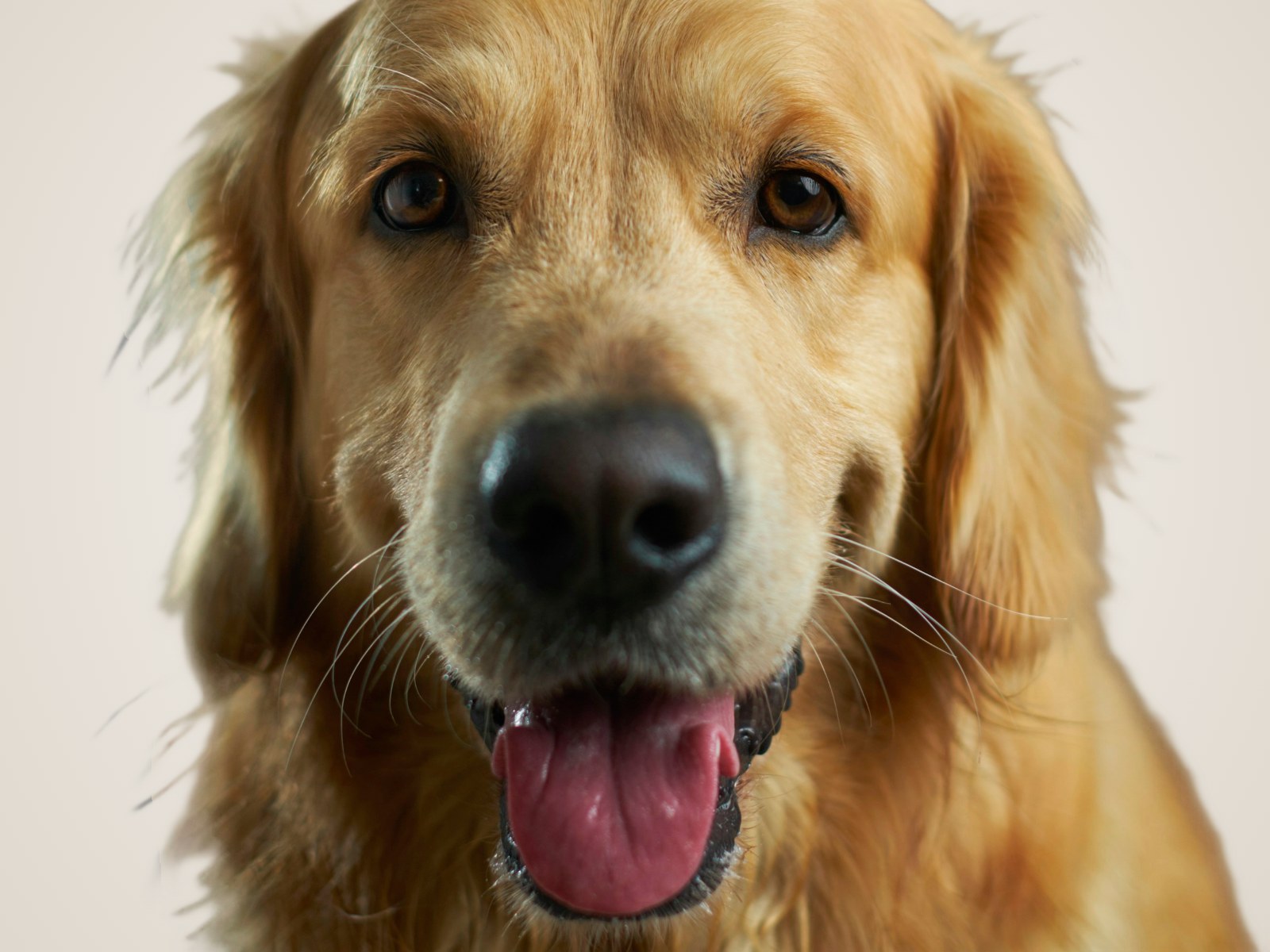
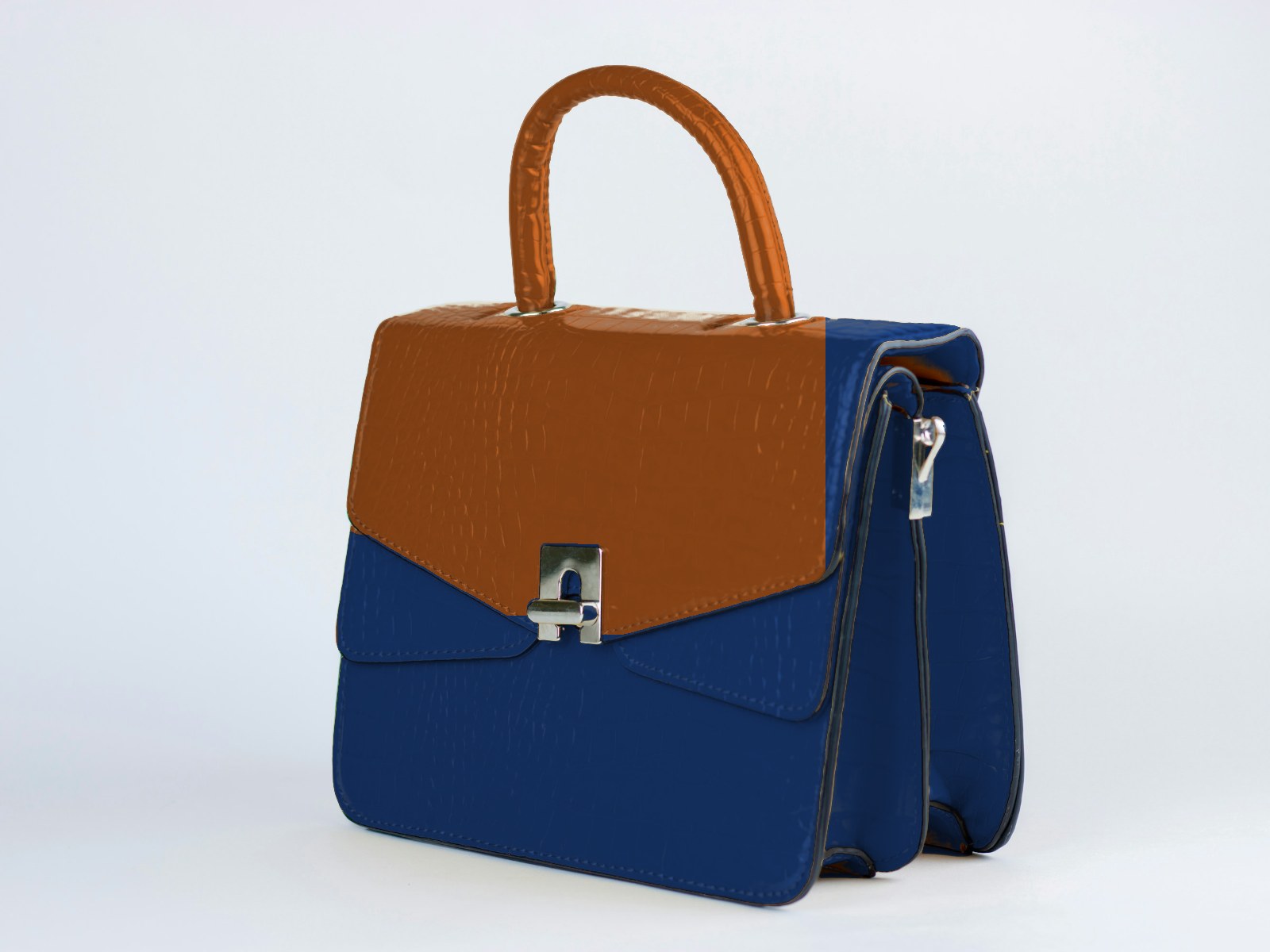
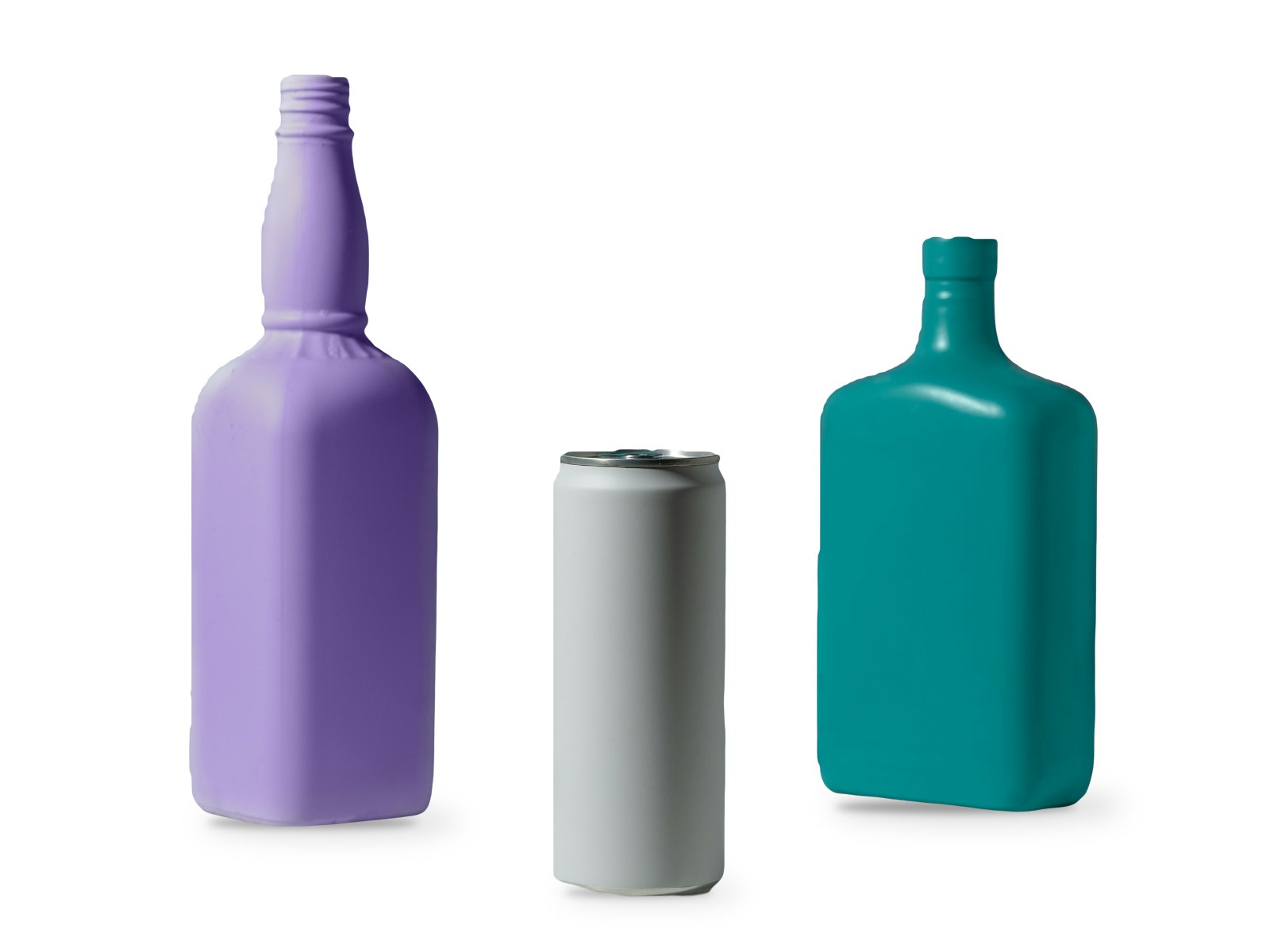
Before editing
Before After
Overview

What our multi clipping path service does

A single path cuts a product out. Multiple clipping paths split it into named parts, such as the strap, buckle, lining and stitching, so your team can recolor one part, adjust one material or build color variants without touching the rest.

What is included

  • A named path for each part or color area
  • Paths saved in a layered PSD or TIFF
  • Ready for color variants and recoloring
  • Precise edges on straps, seams and hardware
  • Background removal included on request

Ideal for

  • Color variant photos
  • Fashion, bags and footwear
  • Furniture and car parts
  • Catalog and packaging design

What is a multi clipping path service?

A multi clipping path service draws separate, named vector paths around each part of a product instead of one outline around the whole thing. A handbag might get paths for the body, handle, strap, buckle and lining; a sneaker for the upper, sole, laces and logo. Each path can then be selected on its own in Photoshop or other editors.

The paths are saved inside a layered PSD or TIFF file, so they travel with the image and can be reused for any later edit.

Why use a multi clipping path service?

A multi clipping path service makes part-by-part editing fast and accurate. With each area already selected, a designer can change the color of one strap, adjust the shine on metal hardware, or brighten the sole of a shoe without touching anything else. That is the basis of color variant images, where one photo is turned into every colorway in a collection.

Multiple paths are also used in catalogs and packaging, where parts of a product need different treatment, and in furniture and car photography, where upholstery, frames and trim are adjusted separately.

What is the difference between a clipping path and multiple clipping paths?

A single clipping path outlines the whole product to separate it from the background. Multiple clipping paths add an outline for each part inside the product. A single path is enough for background removal; multiple paths are needed when the parts themselves will be edited.

How multi clipping path orders are priced

Multi clipping path work is priced by the number of paths and the detail at the edges. Two to five paths on a simple product sit at the low end; sixteen or more paths, or parts with fine stitching, holes and curves, sit at the top. Every path is drawn with the pen tool for clean, smooth edges, and named after the part it covers or following your own naming list.

Using multiple paths for color variants

Once the paths are in place, recoloring is quick and precise. Color variants can be produced by your own team or through the photo color change service, and soft-edged parts such as fur trims are handled with image masking.

To preview a recolor on a simple product before ordering, try the free image color changer, and use the PNG to JPG converter to prepare lighter files for the web.
Pricing

Multi Clipping Path pricing

Per image, based on complexity. Volume discounts start at 100 images.

Simple
$0.49 / image

2 to 5 paths

Medium
$1.49 / image

6 to 15 paths

Complex
$3.99 / image

16 or more paths and fine details

Not sure which level your images are? Send a sample and we will tell you.

FAQ

Multi Clipping Path questions

Everything you need to know before sending your first images. Still unsure? Ask us anything.

Ask a question All FAQs

What is the difference between a clipping path and multiple clipping paths?

A clipping path outlines the whole product. Multiple clipping paths outline each part separately, which makes part-by-part edits such as changing a strap color possible.

How are the paths named?

Each path is named after the part it covers, for example Body, Handle or Zipper, or follows your own naming list.

How is the price calculated?

Per image, based on how complex the edit is. Every service has a simple, medium and complex price, and you get an exact quote before any work starts.

How fast will I get my images back?

Most orders are delivered within 24–48 hours. Large orders are delivered in batches, and rush delivery is available on request.

Are revisions really free?

Yes. If an image does not match your instructions, we redo it at no charge.

How it works

How photo editing at PixelMags works. Four steps.

No accounts and no software to install. Send your photos and we take it from there.

  1. Send your photos

    Share a link (Drive, Dropbox, WeTransfer) or upload a few samples with the quote form.

  2. Get a quote

    We check complexity and reply with an exact price and delivery time.

  3. We edit

    Every image is edited to your brief and checked by a person before delivery.

  4. Download & approve

    Download your files. Not quite right? Revisions are free.

More services

Often ordered together

Ready to have your photos edited?

Send a few images and tell us what you need. You get an exact price and delivery time within one business day, with no obligation.