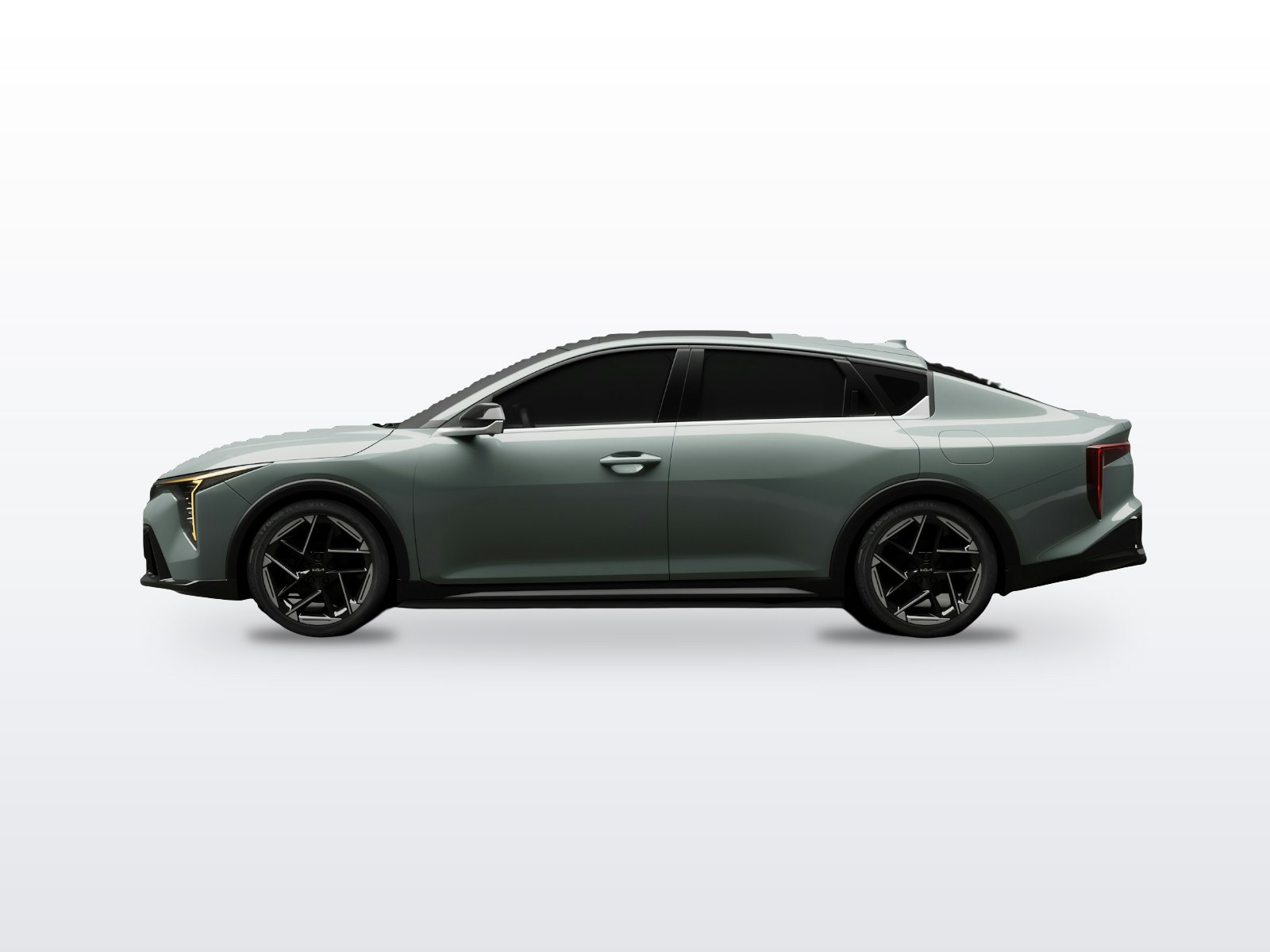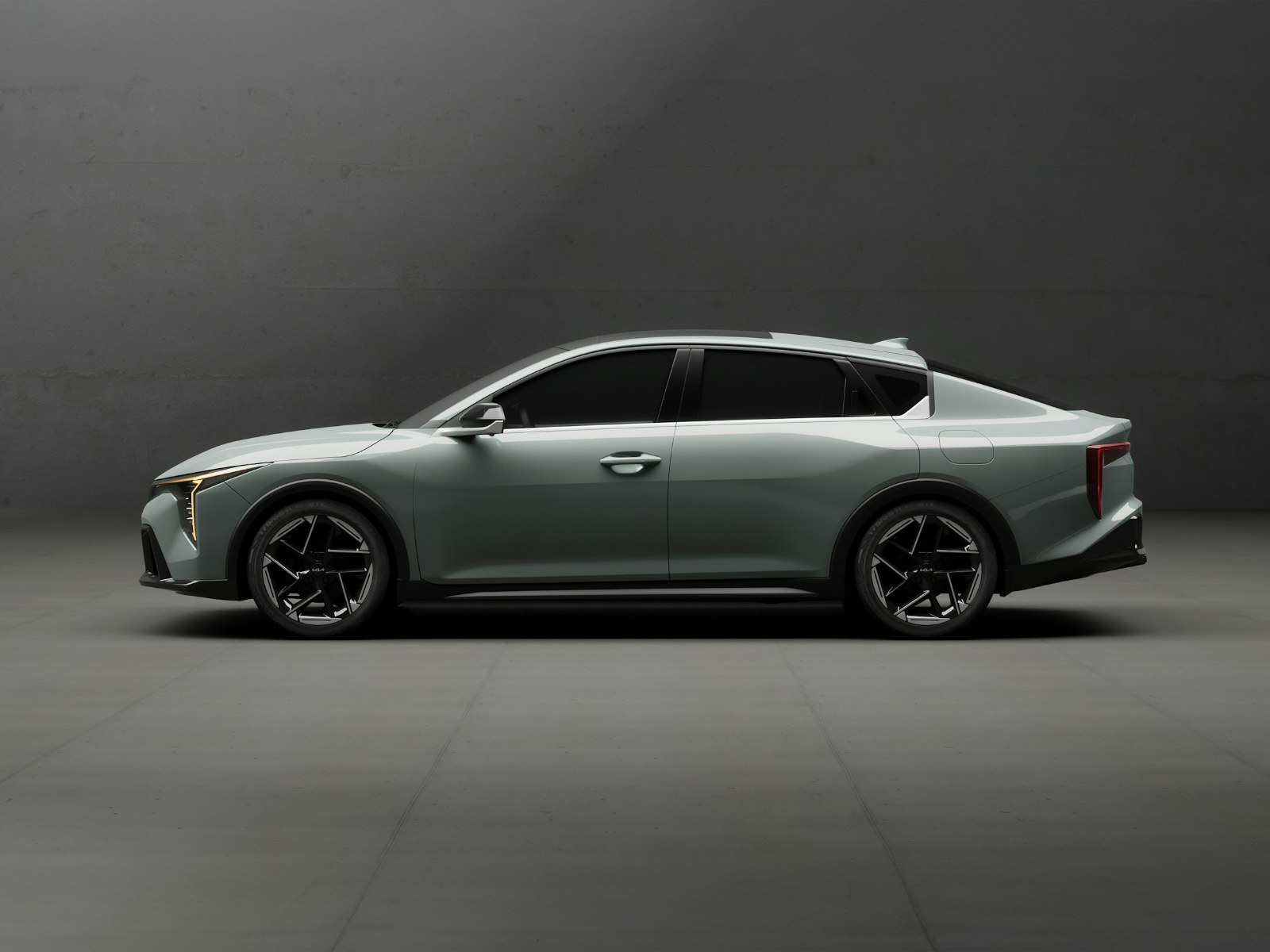
What is HDR photo editing?
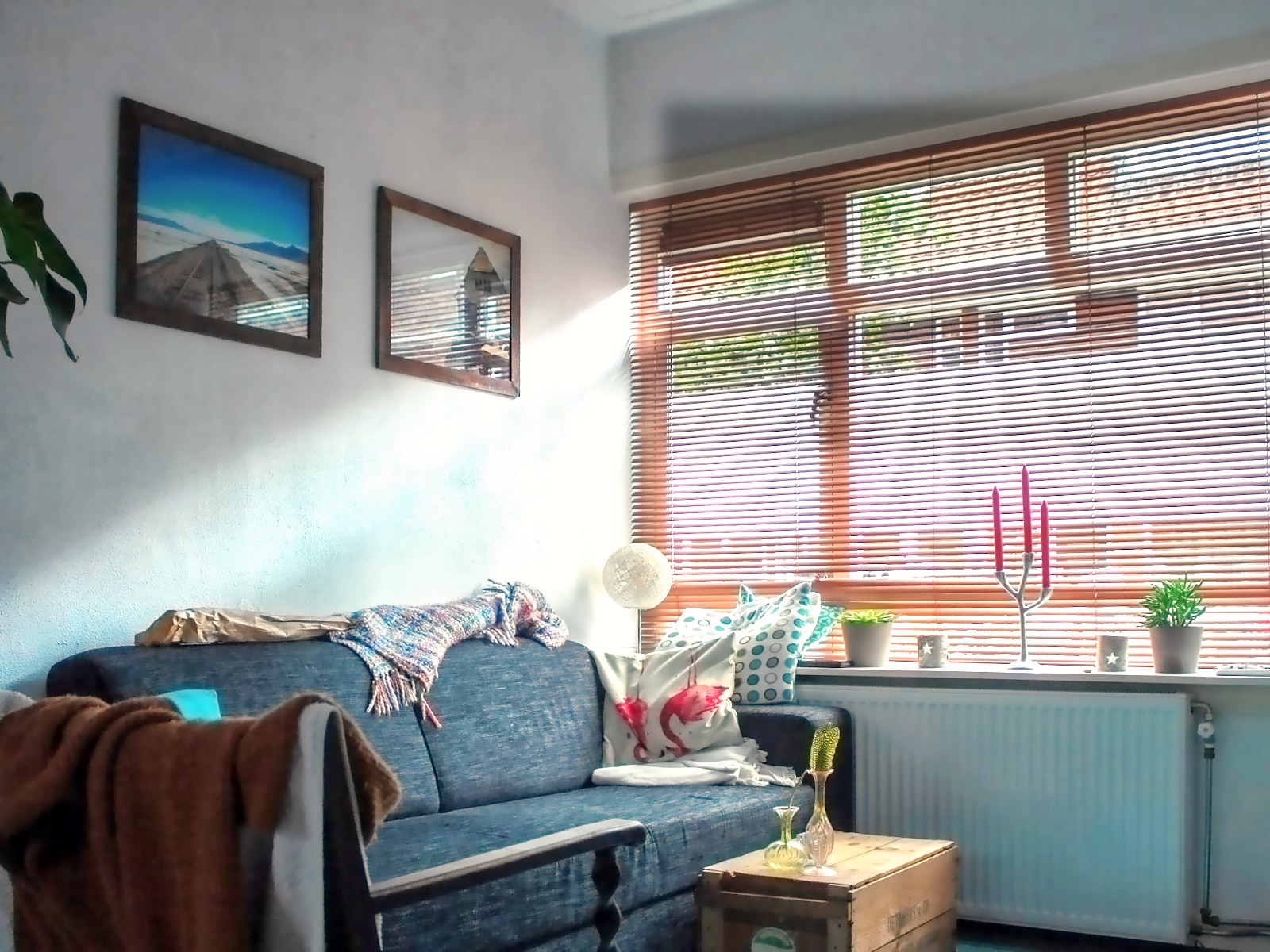
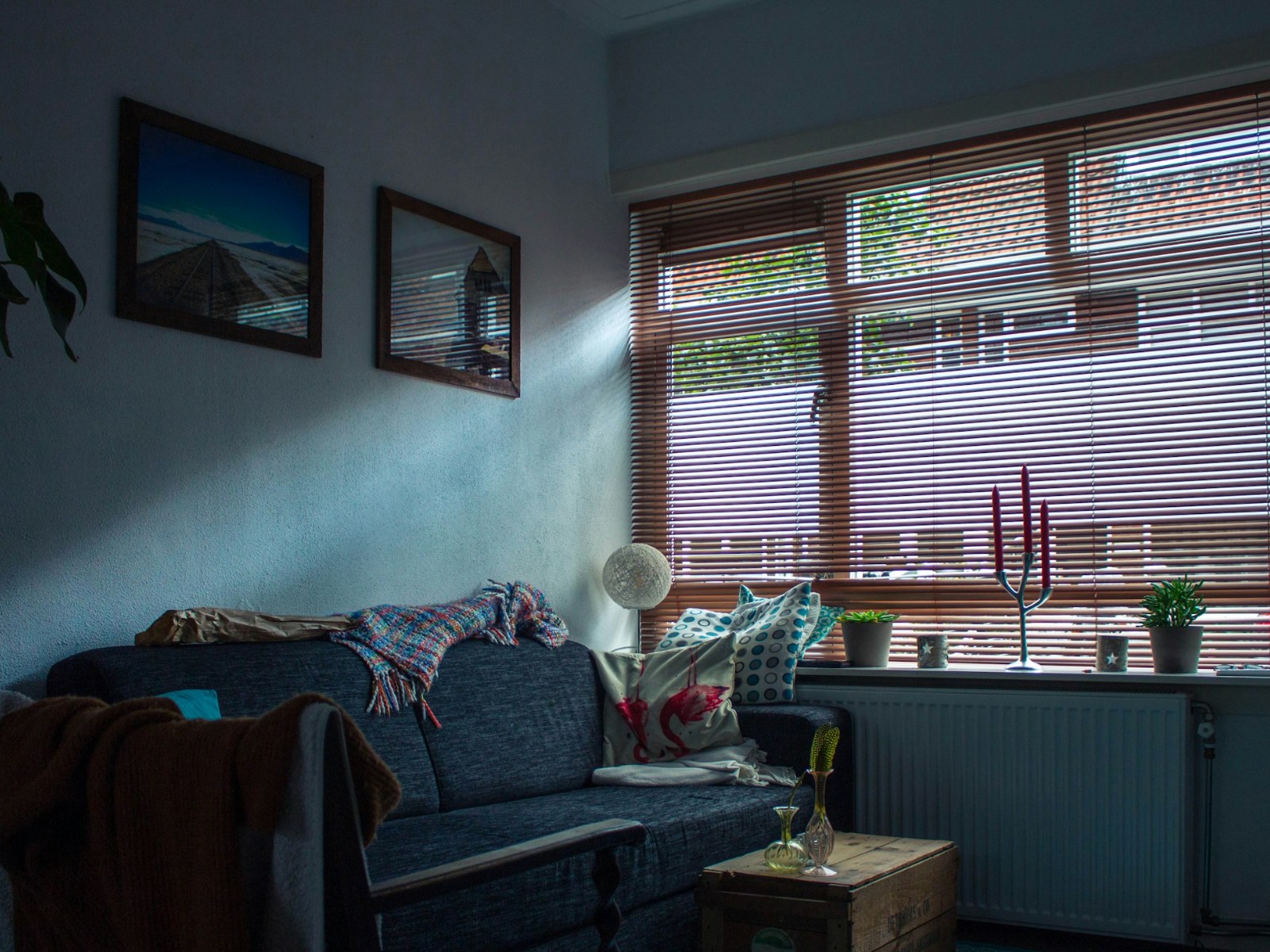
HDR photo editing combines several exposures of the same scene into one image that shows detail in both the brightest and darkest areas. In an interior, the window view is often many times brighter than the corner of the room, more than a single exposure can hold. A dark exposure keeps the view, a bright one shows the room, and blending them gives a photo that looks the way the eye saw it.
Natural HDR photo editing vs the over-processed look
Good HDR photo editing should not look like HDR. Automatic merges in cameras and phones often produce gray walls, glowing halos around windows, flat contrast and crunchy textures. Natural blending keeps real contrast, true whites and clean edges, and uses careful masking where software struggles, such as window frames and bright lamps.
Many editors combine ambient brackets with a flash frame. The flash gives clean colors and crisp detail, while the ambient frames keep the mood and natural light falling across the room.
How many brackets should I shoot for HDR?
Three to five exposures, about two stops apart, shot on a tripod, cover most interiors. Tools such as Lightroom Classic can merge exposure-bracketed images into one HDR file, which is the starting point for a natural blend. Very bright windows may need an extra dark frame. Single exposures can still be enhanced well when brackets are not available, though window views will hold less detail.
What is included in HDR photo editing
What is a window pull in real estate photos?
A window pull brings back the view outside a window in an interior photo. The room is exposed for the inside, which leaves windows blown out white, so a darker exposure of the window area is masked in to show the sky, trees or street outside without making the room dark.
HDR photo editing for real estate includes the blend itself plus the corrections that make a listing look professional. Verticals are straightened so walls do not lean, white balance is corrected so mixed daylight and warm bulbs do not leave color casts, window views are pulled in clearly, and exteriors can get a blue sky in place of a gray one.
Who uses HDR photo editing
Real estate photographers, architects, builders, hotels and vacation rentals rely on HDR editing because interiors sell on light and space. Once the HDR base is done, empty rooms can be furnished with virtual staging, and complete listing sets, including twilight conversions and lawn greening, are covered by real estate photo editing.
Agents who need to resize finished photos for portals can use the free image resizer, and the image color adjuster is useful for quick brightness checks on single shots.
Exterior shots of buildings with skies and verticals to fix are handled by architectural photo editing.
How much does HDR photo editing cost?
At PixelMags, HDR photo editing costs $0.69 per image at the simple level, $1.49 at the medium level and $2.99 at the complex level, from single-exposure enhancement up to flash and ambient blends with window pulls. Orders of 100 images or more get 10% off, and every order gets an exact quote before work starts.