What is a photo manipulation service?
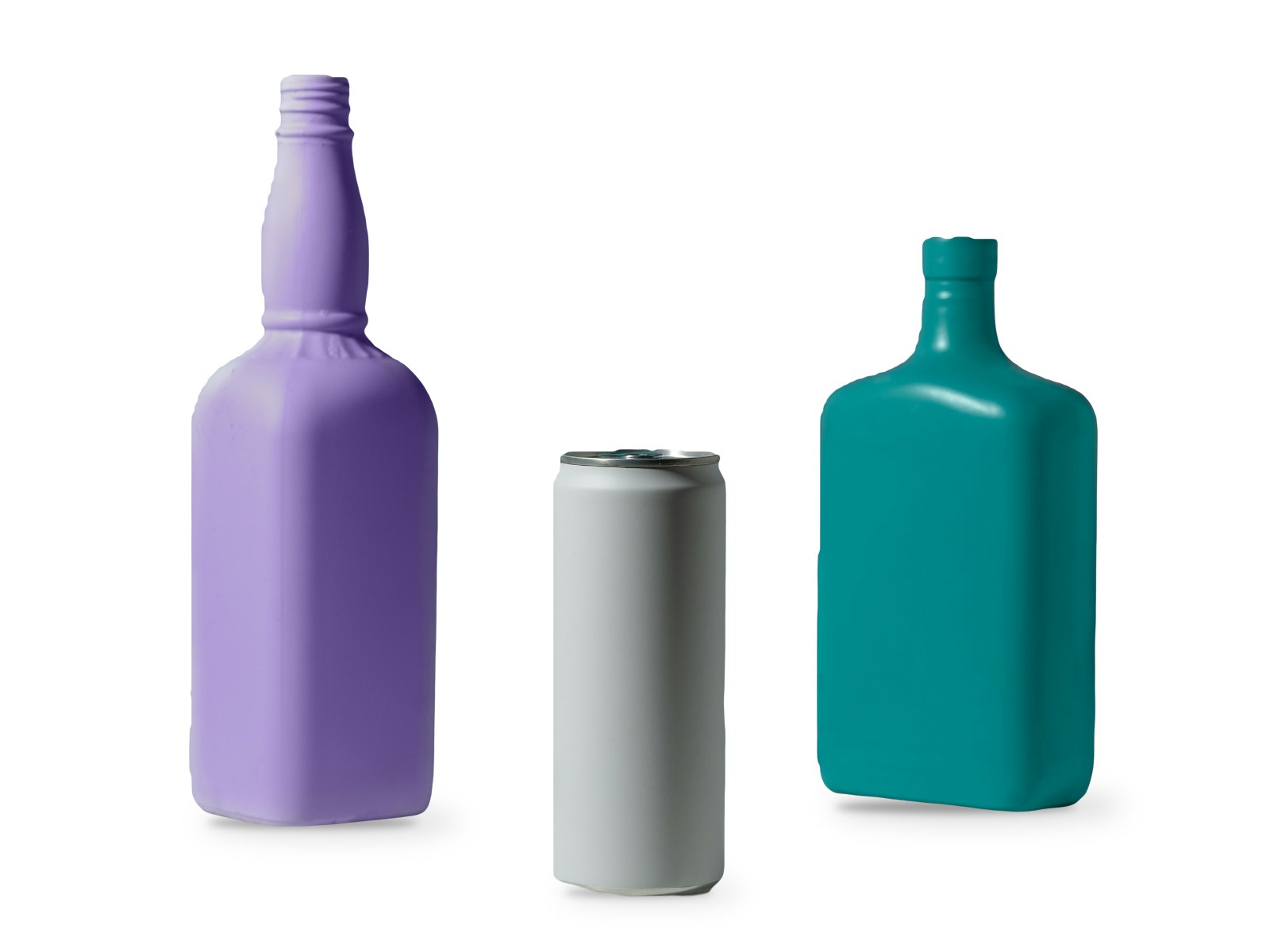
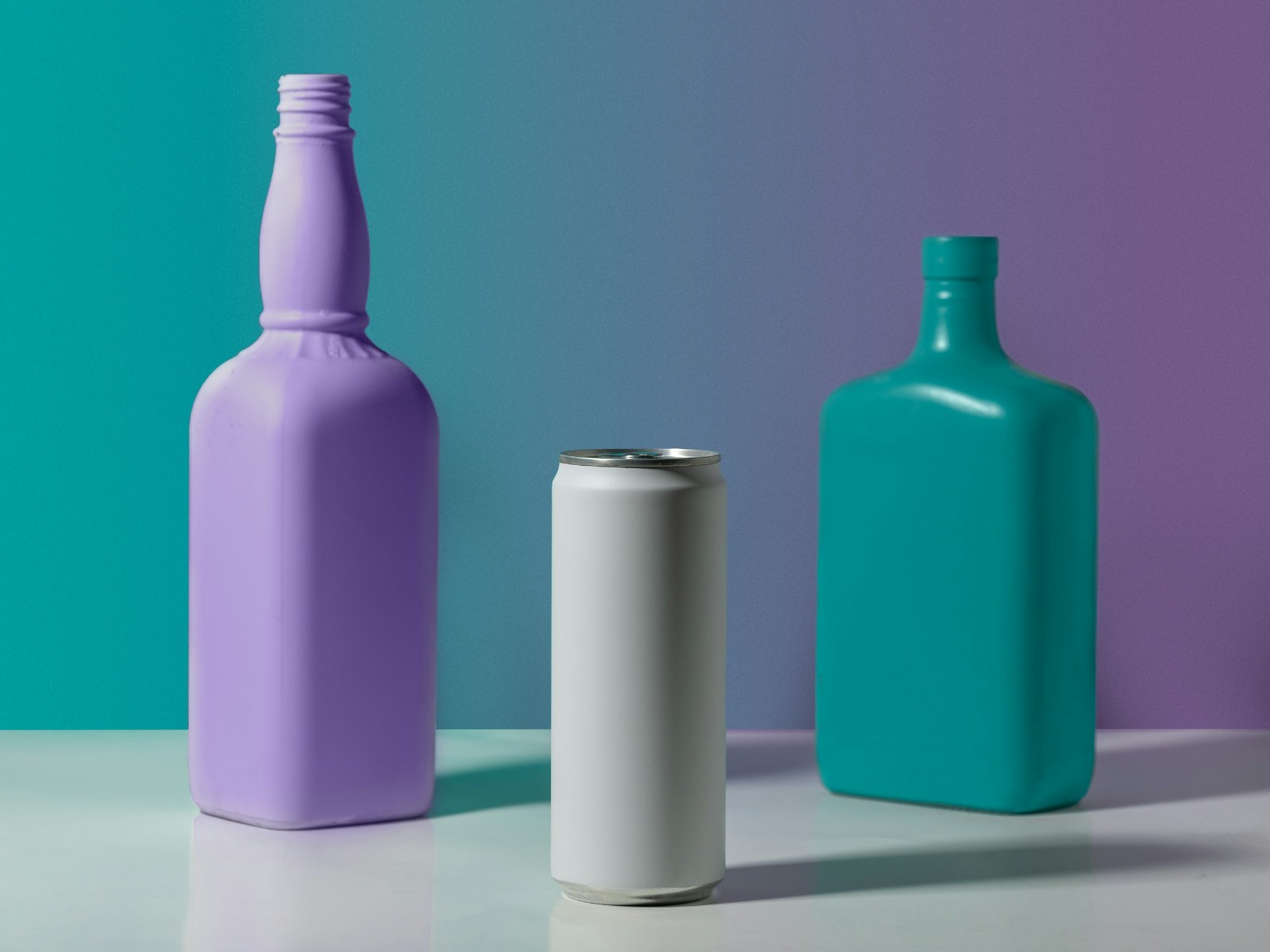
A photo manipulation service changes or combines photos to create an image that was never captured in one shot. It includes composites built from several photos, swapping a background for a new scene, adding or removing people and objects, and creative effects for advertising, packaging and campaigns.
The difference between good and bad manipulation is believability. Every element has to share the same light direction, color temperature, perspective, focus and grain, and shadows and reflections have to land where physics says they should.
Common uses of a photo manipulation service
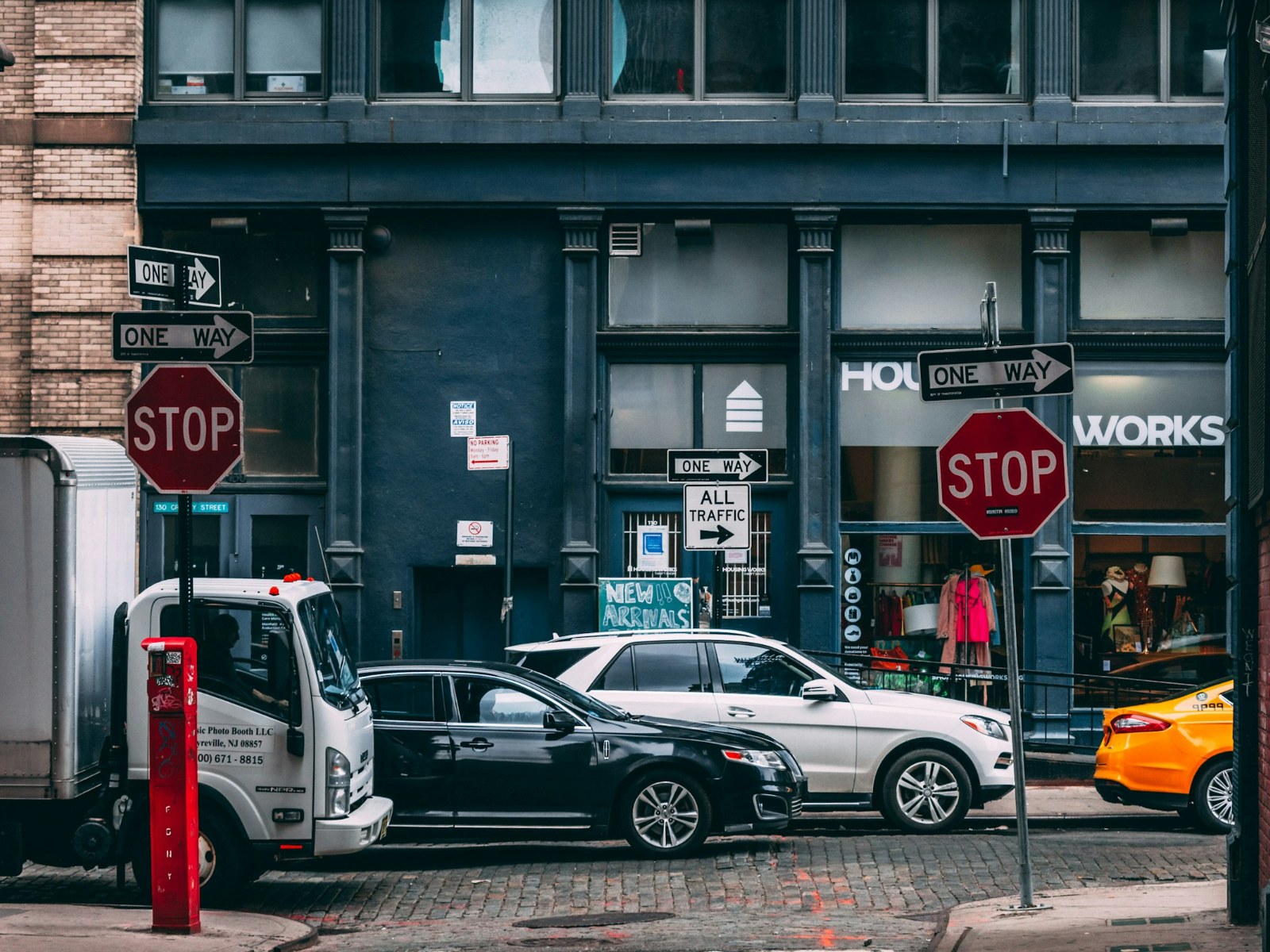
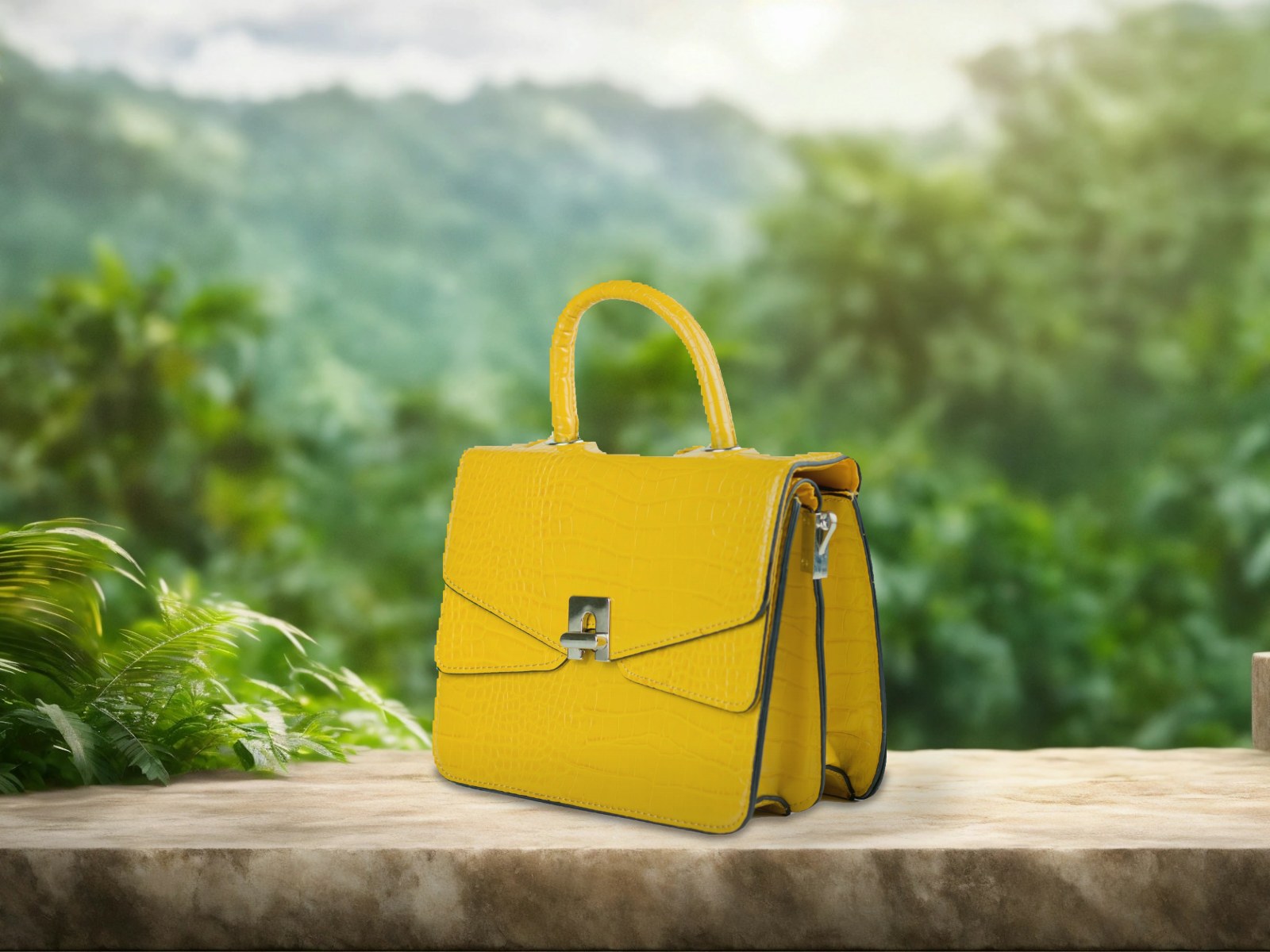
Brands use photo manipulation to place a product in a lifestyle scene without a location shoot, to create banner and ad visuals, to build packaging images, and to produce seasonal versions of existing photos. Publishers use it for book covers and posters, and agencies for concept visuals before a campaign is approved.
Can you put my product in a lifestyle scene?
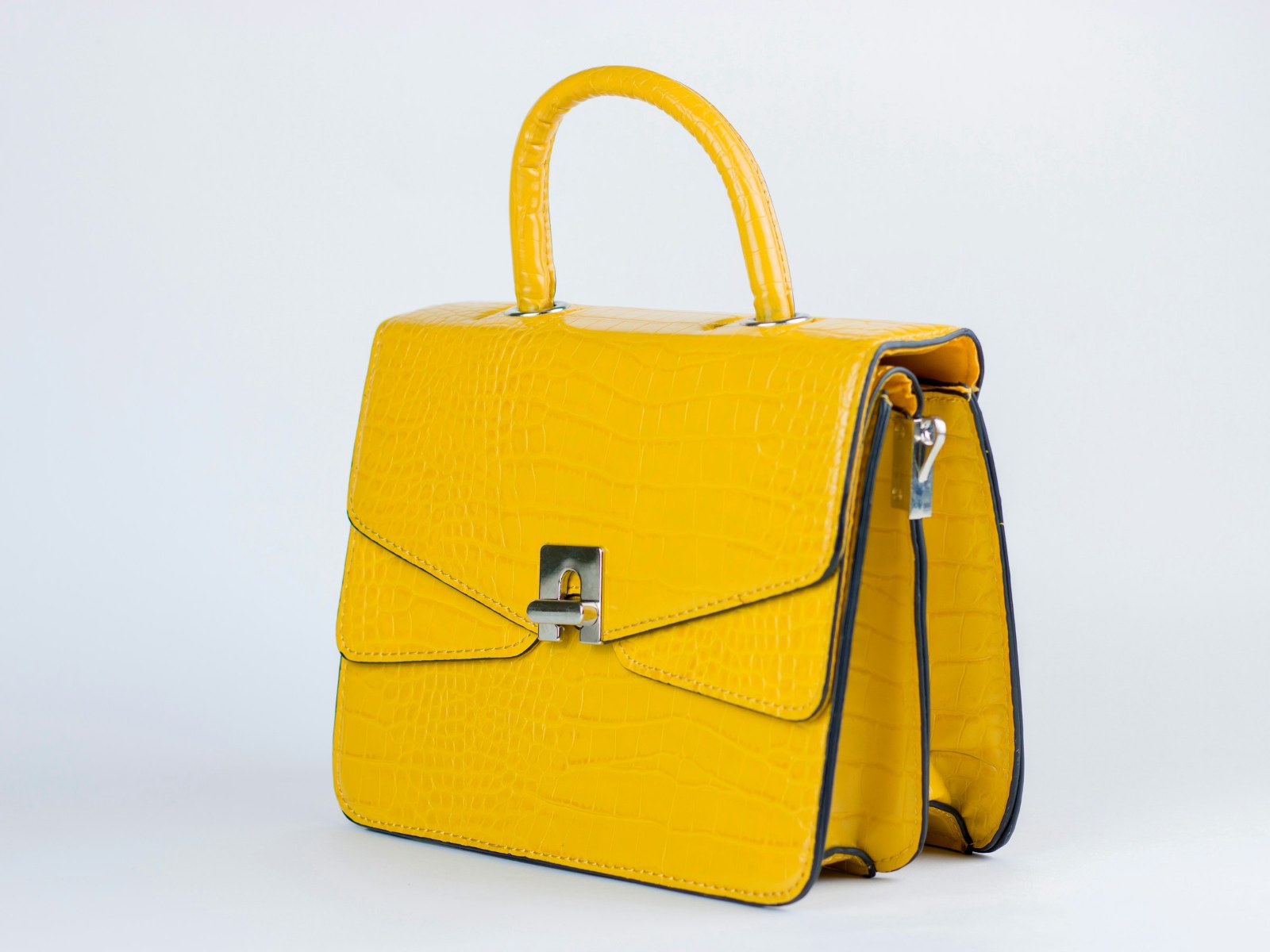
Yes. Send the product photo and a background photo, or describe the scene you want. The product is cut out, matched to the scene’s light and color, and given realistic contact shadows and reflections so it looks photographed in place.
How a photo manipulation project works
A photo manipulation project starts with a brief: the final size and use, the elements to combine, and any reference images. Simple background swaps are quick. Multi-image composites go through a draft for feedback before final detail work. A layered PSD is available on request so your team can adjust elements later.
Clean cut-outs are the foundation of every composite. Products with hard edges are separated with a clipping path, while hair, fur and soft edges need image masking. For simpler jobs, a new background alone may be all that is needed through background removal.
Ethics in photo manipulation
Creative manipulation for ads, art and concepts is a normal part of visual work. Product images used for selling, however, must still show the product accurately, and edits that would mislead buyers about size, color or condition are not accepted.
To test ideas yourself first, the free image color changer and transparent background maker handle simple recolors and cut-outs in the browser.